Loading Page

14-Day Free Trial
Full access. No credit card.
Quick & Easy Setup
Get started in minutes.
Expert Support
We're here to help.
Cancel Anytime
No hidden charges.
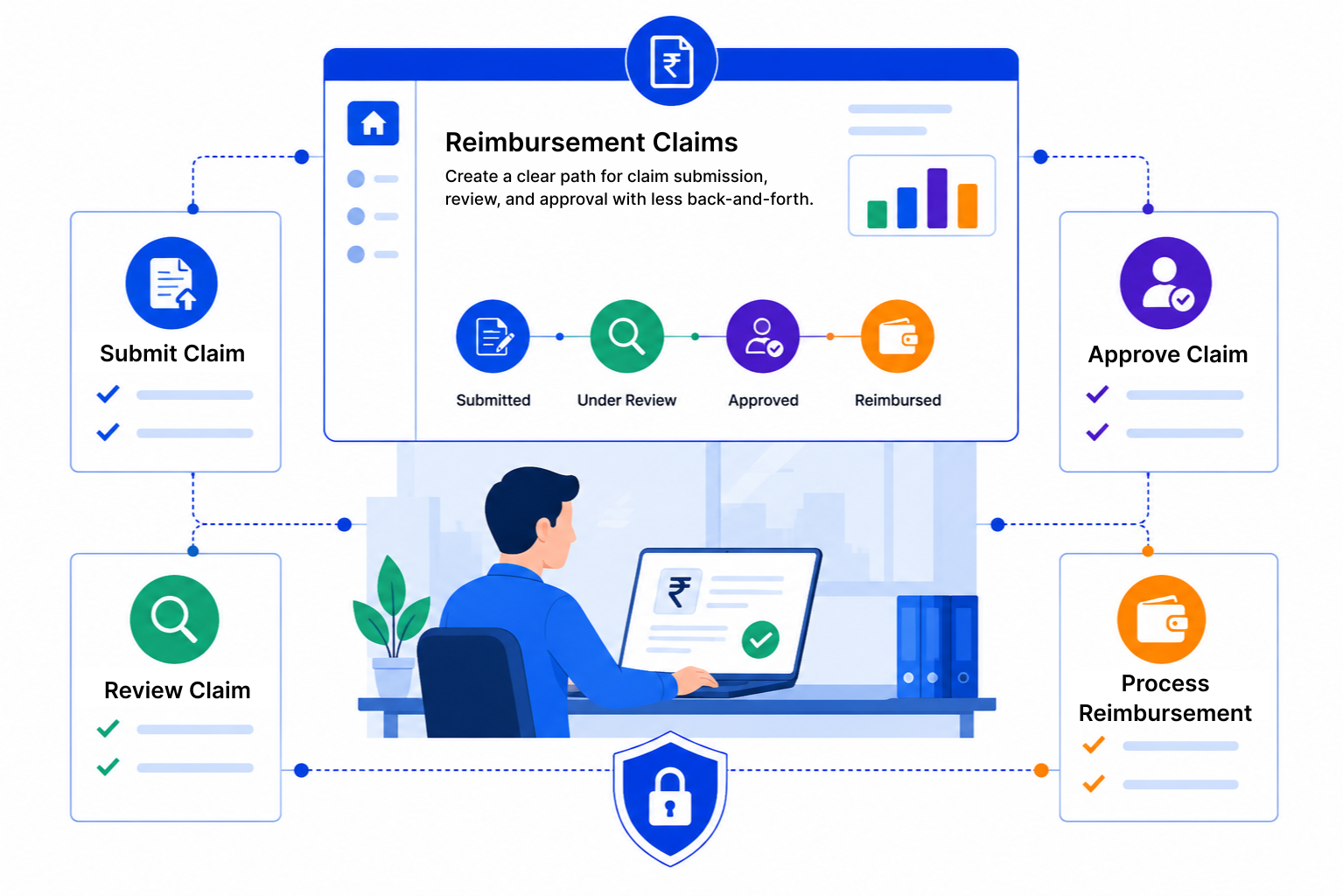
Claims are usually small, but there are many of them. When the process is loose, finance spends more time chasing than reviewing.
SalesPeep is a CRM, and its custom pipelines suit approval workflows well. Here is how a finance team can track reimbursement claims from start to finish.
Record each claim against the employee who submitted it, with the amount, category and date. Attach receipts and supporting files as documents, so everything for that claim is in one record.

Set up stages like Submitted, Manager Review, Finance Review, Approved and Rejected. Tasks and reminders go to the approver, so claims do not sit unnoticed.

Use email templates to tell employees when a claim is received, approved or needs more information. The activity log records each change, so you can see who approved what and when.

A clear policy and a predictable approval path cut down on back-and-forth for everyone. Our guides cover how to set approval stages and what to include in claim requirements.

SalesPeep makes reimbursement claims easier to manage so your team can approve and pay requests more quickly.

No. SalesPeep is a CRM, not an expense management or payment tool. You track and approve the claim in SalesPeep, then pay it through your usual finance process. It does not offer expense cards, receipt scanning or accounting integrations such as QuickBooks.
Only the people you allow. Role-based permissions control who can view, edit or delete claim records, and each organisation's data is kept in its own isolated workspace. The activity log shows who changed each record and when.
There is no employee self-service portal. Most teams have employees email their claims and receipts to a finance inbox, and finance logs them in SalesPeep, often directly from Gmail with the Chrome extension.
Yes. You can add as many stages as your process needs, for example manager review followed by finance review, and assign tasks to each approver.
Yes. Tasks with due dates and smart reminders prompt approvers to act, and you can see which claims have been waiting longest in reports.
Open the claim record to see its receipts, notes and full activity history, including each stage change and who made it.
It depends on how detailed your process is, but you can start with a handful of stages and one or two email templates. You can refine the setup later without starting over.
Yes. You get 14 days of full access to every feature, and no credit card is needed to start.