Loading Page

14-Day Free Trial
Full access. No credit card.
Quick & Easy Setup
Get started in minutes.
Expert Support
We're here to help.
Cancel Anytime
No hidden charges.
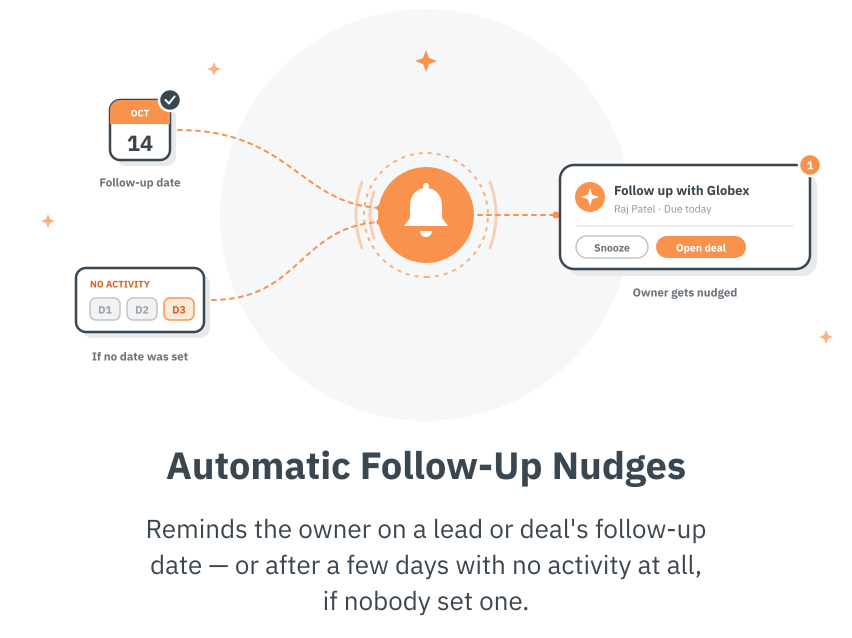
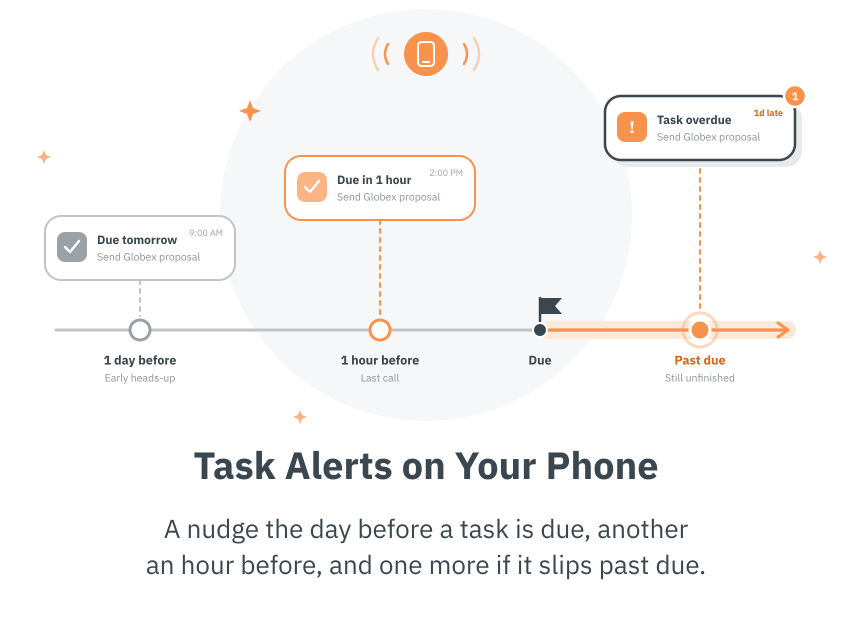
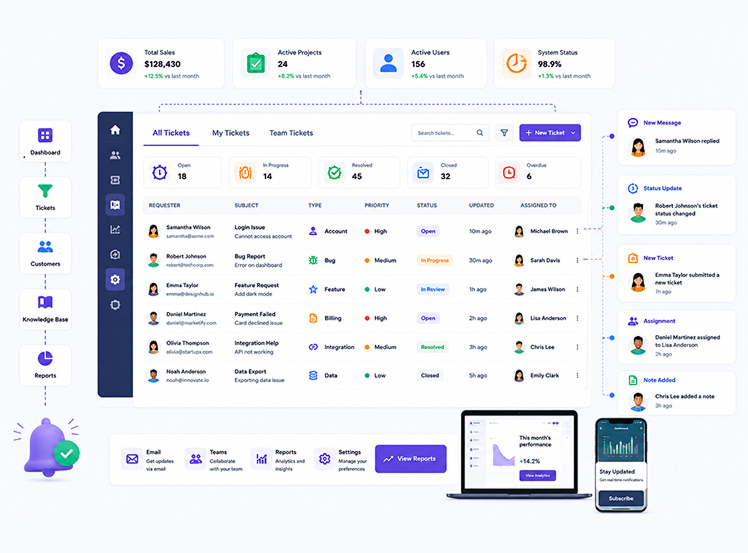
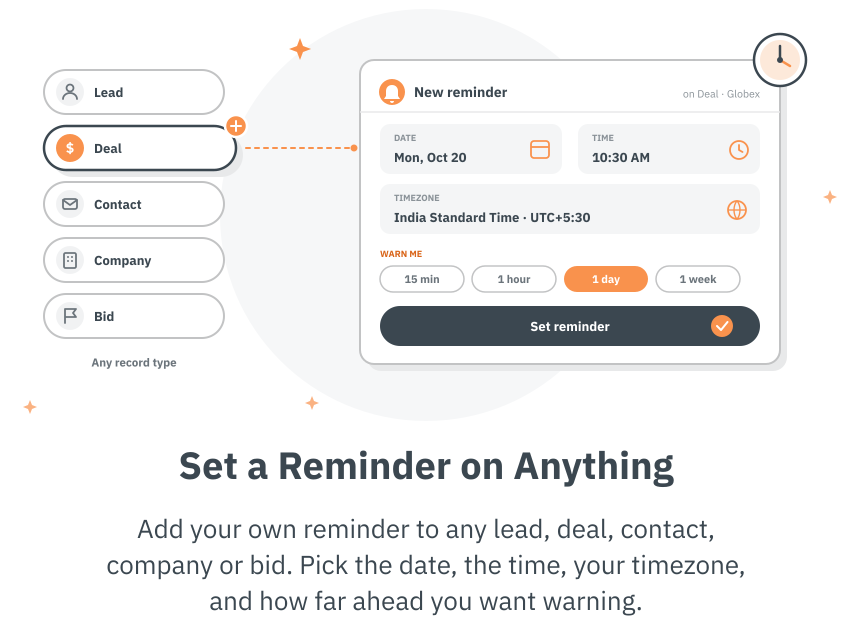
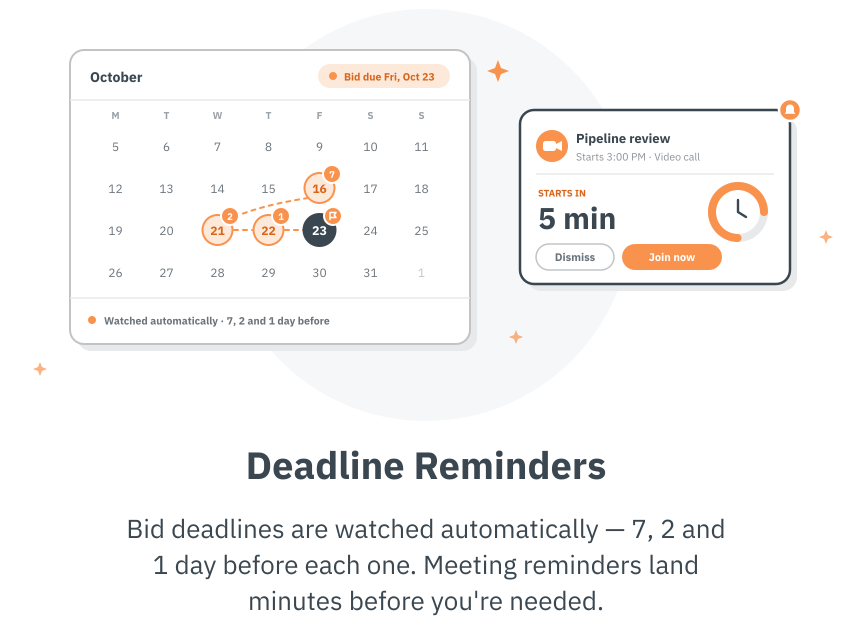
Five kinds of reminders, all working quietly in the background.
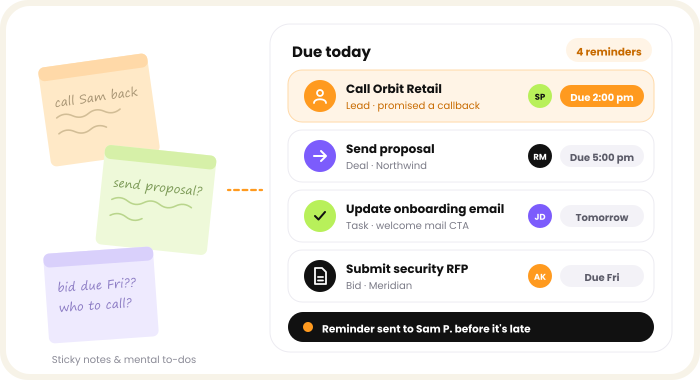
Sticky notes and mental to-do lists don't survive a busy week. SalesPeep tracks what's due on every lead, deal, task and bid, and tells the right person before it's late — not after. Your team can get on with selling instead of trying to remember who they promised to call.
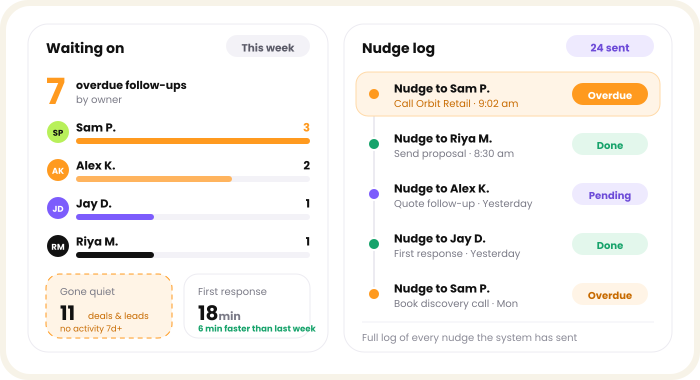
Reminders only help if someone acts on them. Managers can see how many follow-ups are overdue, which deals and leads have gone quiet, and whether new leads got a first response quickly — with a full log of every nudge the system has sent.
We know choosing the right software raises a lot of questions. Here are answers to the ones we hear most.
Get Started FreeSome reminders are set manually, while others happen automatically. You can add reminders to any record, and SalesPeep notifies owners about follow-ups, upcoming tasks, bid deadlines, and meetings through email and phone notifications.
Yes. You can configure how many days of inactivity trigger a reminder, choose the time reminders are sent, and set the preferred timezone. Each team can have its own reminder settings, or reminders can be turned off entirely.
Yes. Every reminder is linked to a specific record, allowing team members to open the relevant lead, deal, or bid and review its complete history before following up.
No. SalesPeep is designed to prevent unnecessary reminders. Notifications account for working days, skip team members on leave or public holidays, and use longer reminder intervals for leads that have been intentionally postponed.
Yes. You can track overdue follow-ups, identify leads and deals that have been inactive for a week or longer, and review a complete log of reminders sent. If a team member repeatedly ignores reminders, an administrator is notified automatically.