Loading Page

14-Day Free Trial
Full access. No credit card.
Quick & Easy Setup
Get started in minutes.
Expert Support
We're here to help.
Cancel Anytime
No hidden charges.
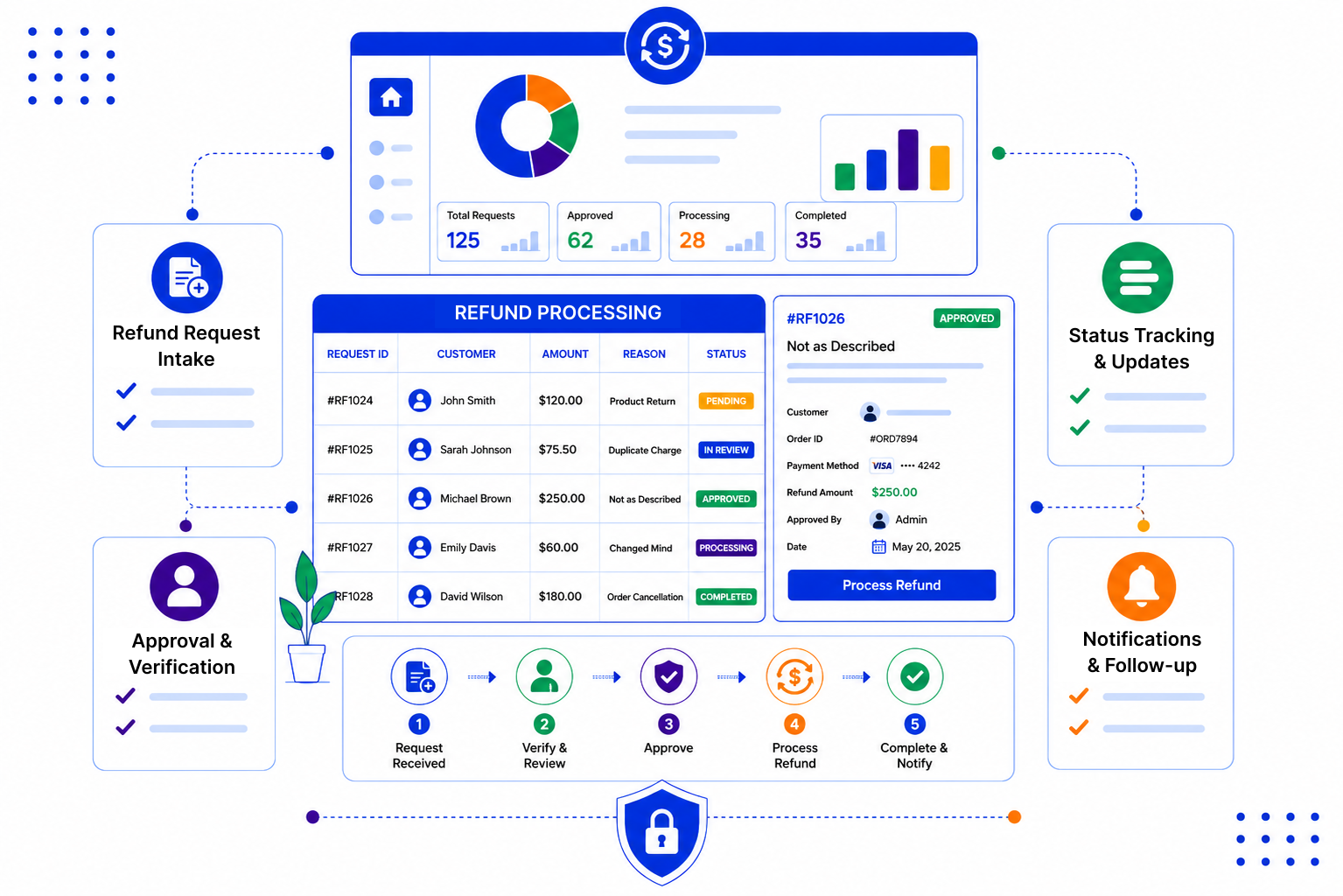
A refund often touches three or four people before it is settled. Each handover is a chance for something to slip.
Set up a refund pipeline that reflects your own policy, then let every request follow the same path with tasks, reminders and a clear record.
Create the request on the customer's record, so past orders, emails and notes are right there. Use an email template to ask for the details and documents your team needs before review.

Move each request through stages such as Received, Details collected, Under review, Approved or Declined, and Paid. Tasks show who needs to act next, whether that is support, a manager or finance.

Reminders prompt your team to update the customer at each step, using templates so the message stays clear and polite. The activity log keeps a record of each change, which helps when a decision is questioned later.

A fair refund process protects your customers and your team. We write about practical ways to keep refund handling consistent, clear and well documented.

SalesPeep helps refund teams process requests faster and with fewer customer follow-ups.

No. SalesPeep does not issue refunds or handle payments. You log, review and approve the request in SalesPeep, then pay it through your usual payment or accounting system and mark it as paid.
Yes. You choose the stage names and order, so the pipeline matches your refund policy. You can add a separate stage for manager or finance sign-off if you need one.
Yes. Role-based permissions let you decide who can edit and move requests, and read-only roles let others view them without changing anything. The activity log records important changes.
You can keep documents and notes on the customer record so the next person can find them. If you need to share a file back with the customer, secure links support expiry dates and access logging.
Set reminders at each stage and use email templates for common updates, such as "we have your details" or "your refund has been approved". The emails are logged on the customer's history.
Each organisation's data sits in its own separate, isolated workspace. Access is controlled by roles, and important changes are recorded in the activity log.
Most teams begin by creating their refund stages and two or three email templates. The time it takes depends on how detailed your policy is, and you can refine it as you go.
Yes. SalesPeep has a 14-day free trial with full access, and you do not need a credit card.