Loading Page

14-Day Free Trial
Full access. No credit card.
Quick & Easy Setup
Get started in minutes.
Expert Support
We're here to help.
Cancel Anytime
No hidden charges.
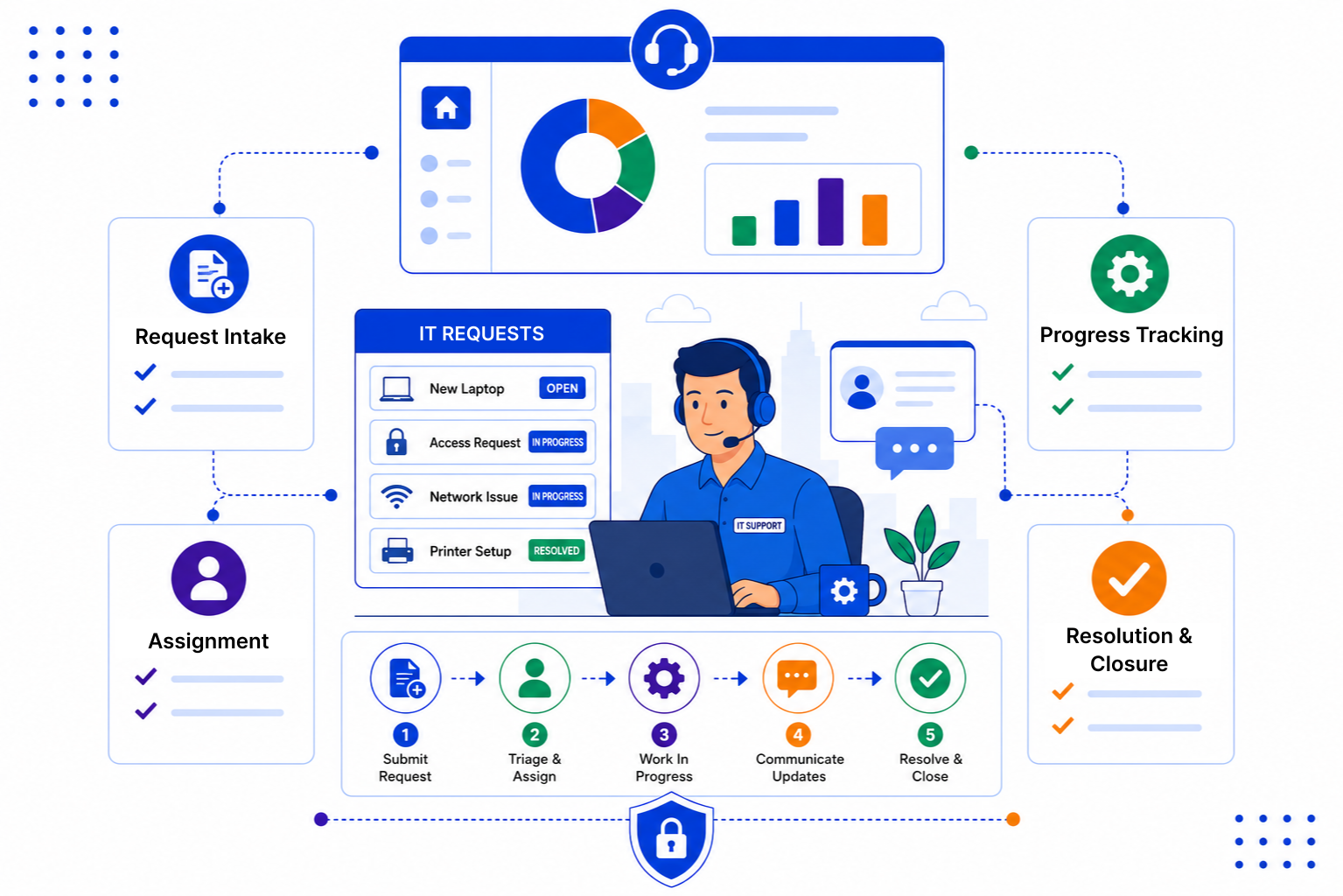
Internal requests come from every direction. Without one place to log them, the quiet ones get forgotten and the loud ones jump the queue.
SalesPeep is a CRM, and its pipelines and assignment rules work well for internal requests too. Here is how IT and admin teams use it.
Record each request with the employee, the type of request and any details. Round Robin assignment shares new requests across your team so the work is spread evenly.

Move requests across a Kanban board with stages like New, In Progress, Waiting and Done. Anyone on the team can see what is moving and what is stuck.

Each employee has a contact record with every past request and its outcome. Reports and dashboards show how many requests are open, who owns them and how long they have been waiting.

You do not need a large service desk to stay organised. A few clear stages, fair assignment and regular follow-up go a long way for a small team.

SalesPeep helps IT support teams resolve requests faster by keeping every ticket visible and every handoff clear.

No. SalesPeep is a CRM, not an IT service desk. It does not include ticket SLAs, asset or device management, or integrations with identity tools like Okta. Small teams use its pipelines, assignment, tasks and reminders to track internal requests in an organised way.
Your team logs each request in SalesPeep, often straight from an email using the Gmail Chrome extension. There is no separate employee portal, so most teams keep a shared IT inbox and log requests from there.
Yes. Role-based permissions control who can view, add, edit or delete records, so access changes and other sensitive requests can stay with the right people. Each organisation's data is kept in its own isolated workspace.
New requests are shared out in turn across the team members you choose. You can still reassign a request by hand when it needs a specific person.
Yes. Reports and dashboards show open requests by stage, type and owner, so you can spot a growing backlog early.
You create your request types and stages, add your team and start logging requests. Most teams keep it simple at first and adjust as they go, and we are happy to help during a demo.
Yes. The mobile app lets your team check and update requests, see reminders and add notes while away from their desk.
Yes. The 14-day free trial includes full access to every feature, and you do not need a credit card to sign up.