Loading Page

14-Day Free Trial
Full access. No credit card.
Quick & Easy Setup
Get started in minutes.
Expert Support
We're here to help.
Cancel Anytime
No hidden charges.
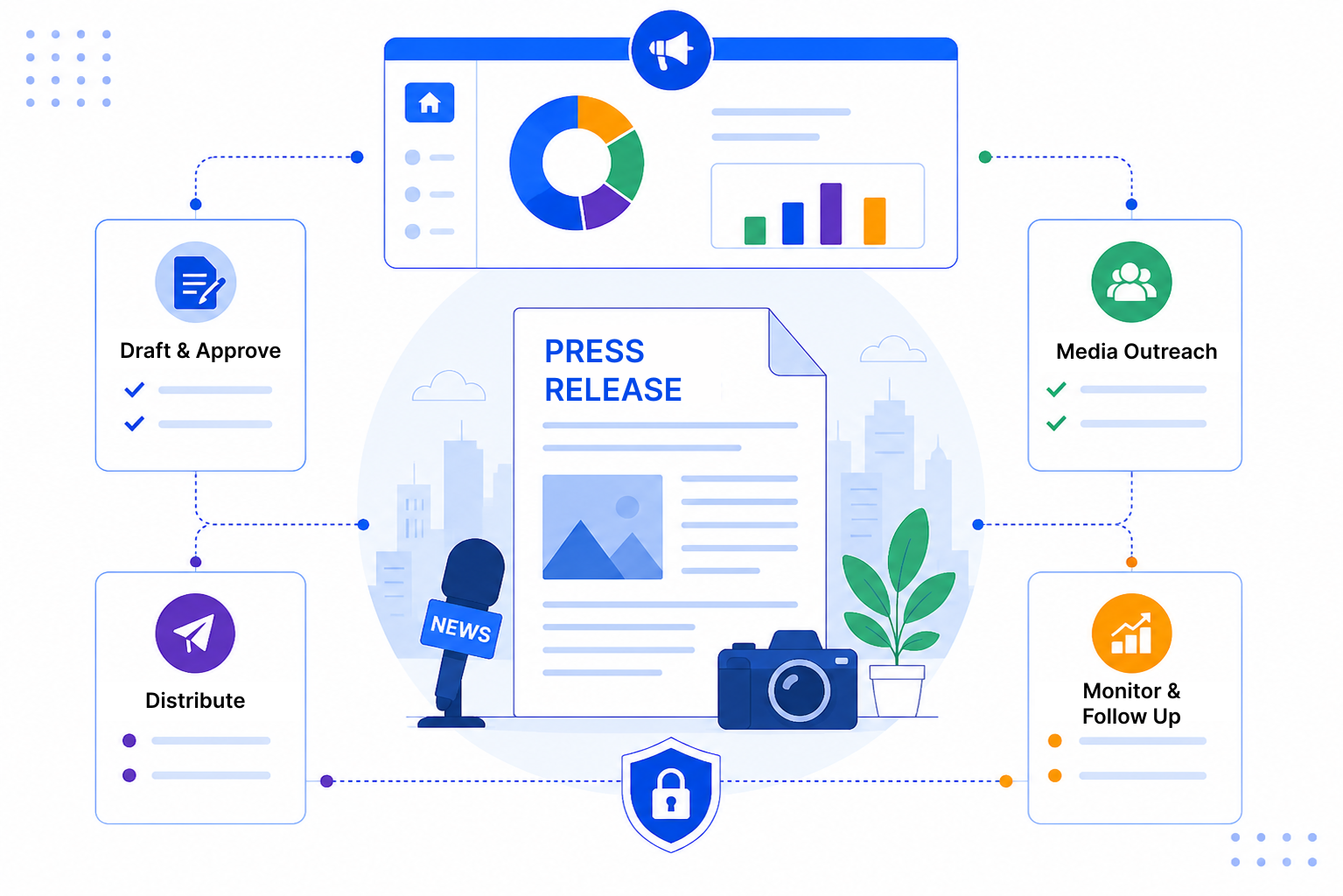
Writing the release is usually the easy bit. Getting it approved, pitched and followed up properly is where time disappears.
SalesPeep is a CRM, and PR is relationship work. Treat each release as a record moving through stages and each journalist as a contact with a full history.
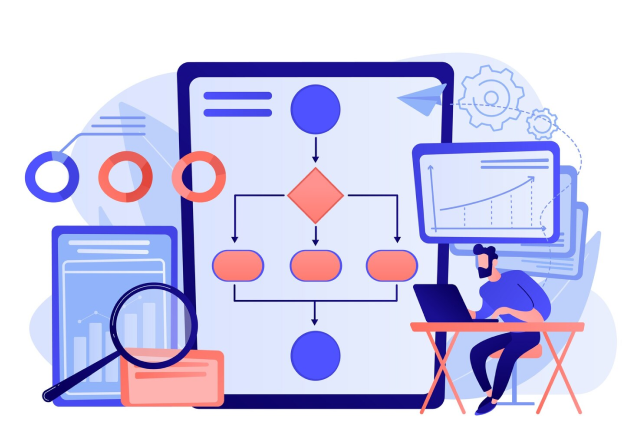
Build a pipeline with stages like Drafting, Internal Review, Legal Approval, Ready to Pitch and Live. Add tasks for each reviewer with a due date, and reminders do the chasing for you.
Store journalists, editors and producers as contacts, grouped by their outlet as a company. Notes, emails and past pitches stay on each record, so the relationship history stays with the team.

Start from an email template and adjust it for each journalist, or ask the AI assistant to help draft a version. Open and click tracking shows who engaged, and follow-up reminders make sure you check back at the right time.

Most PR teams already know their contacts well. The difference is keeping that knowledge somewhere the whole team can use it, release after release.

SalesPeep helps your communications team execute press releases with consistent planning and faster delivery.

No. SalesPeep is not a newswire or distribution service, and it doesn't include a journalist database. It helps you manage drafting, approvals, your own media contacts, pitches and follow-ups.
Yes. You can bring your journalist contacts into SalesPeep as contacts and link them to their outlets as companies. From then on, every pitch and reply is kept on their record.
You can add a stage or status for coverage and note each piece on the release record or the journalist's contact. Reports then show how many pitches turned into coverage.
You can share it through a secure document link with an expiry date. The access log shows when the link was opened, which helps you keep track of who has seen it.
Access is controlled with role-based permissions, from owner and admin to read-only and custom roles. Your organisation's data is kept in its own separate, isolated workspace.
Setup is mostly naming your approval stages and adding contacts. You can start with one release and build the process out from there.
Yes. The AI assistant can draft an email or suggest changes based on your notes. You review and edit it before anything is sent.
Yes. You can use every feature free for 14 days, and no credit card is needed to sign up.