Loading Page

14-Day Free Trial
Full access. No credit card.
Quick & Easy Setup
Get started in minutes.
Expert Support
We're here to help.
Cancel Anytime
No hidden charges.
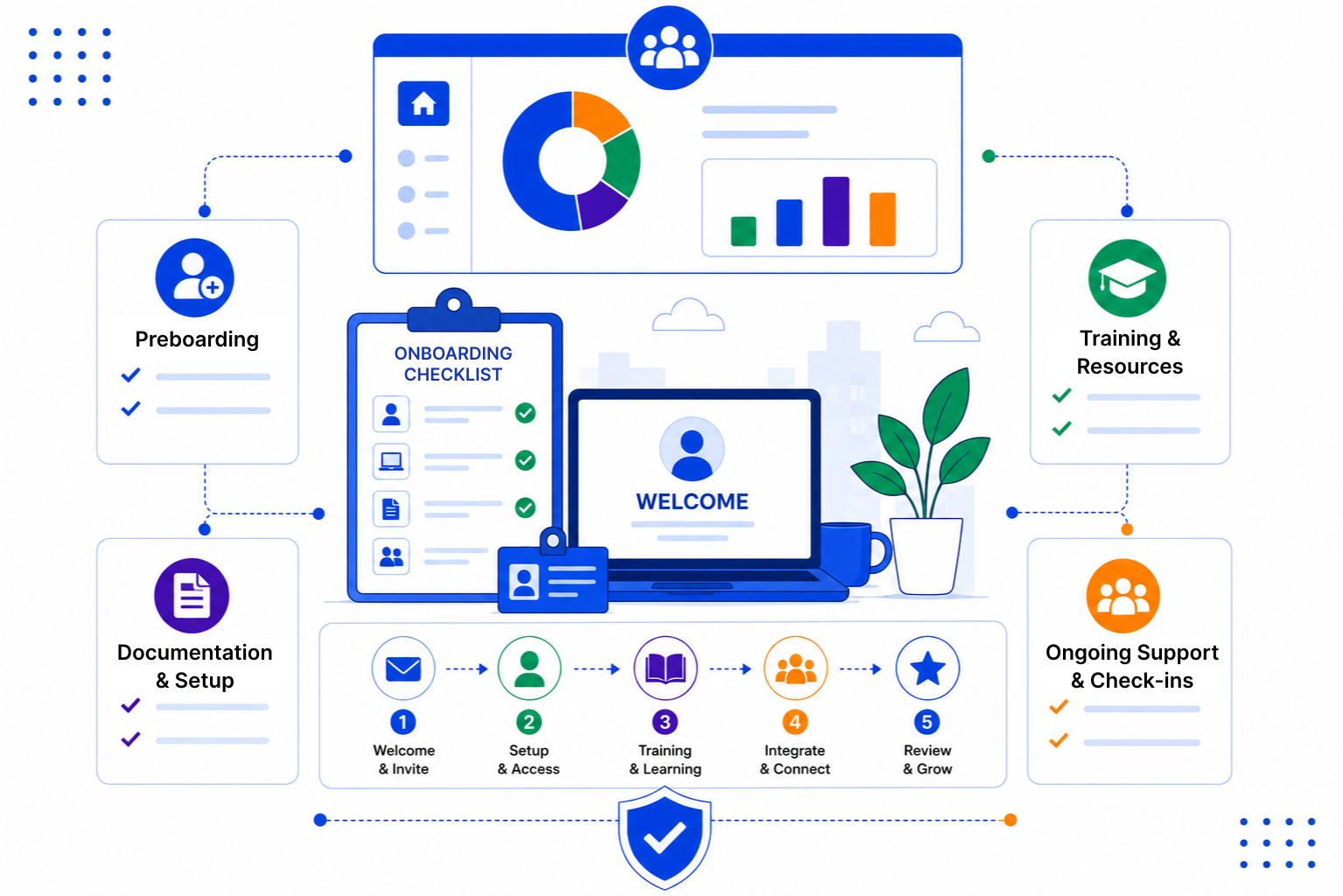
Most onboarding problems are not big failures. They are small things that someone forgot, and the new hire notices all of them.
SalesPeep is a CRM, but its pipelines, tasks and email tools fit onboarding well. You set up the stages once and follow the same steps for every new hire.
Create a pipeline with stages such as Offer Accepted, Pre-Joining, First Day, First Week and First Month. Each new hire is a card you move along as they progress.
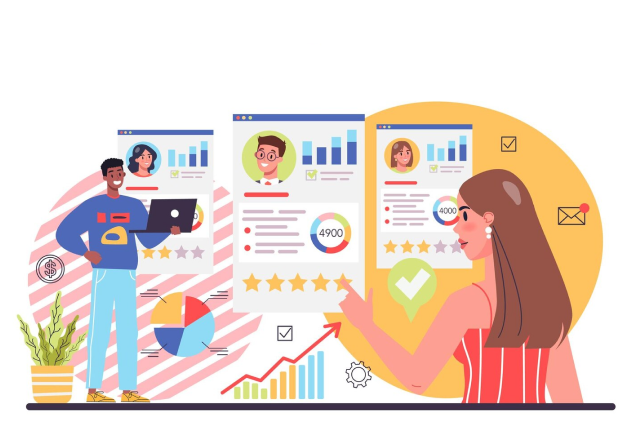
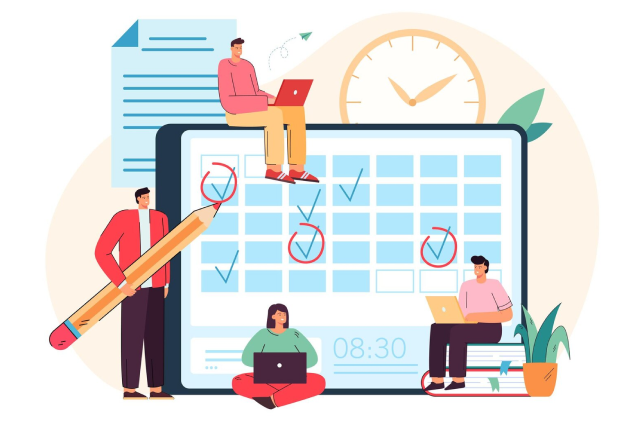
Turn your employee onboarding checklist into tasks with owners and due dates. Smart reminders nudge each person before their step is due, so the laptop and accounts are ready in time.
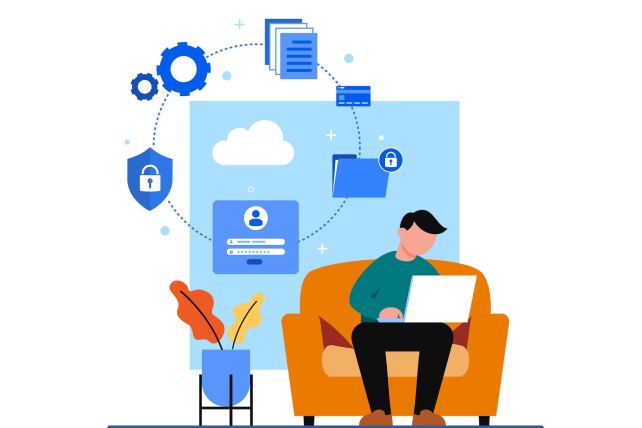
Save welcome messages as email templates, or set up a short email sequence that keeps the new hire informed before they join. Share policy documents and handbooks through secure links with expiry dates and access logs.
A good onboarding process is mostly about planning and follow-through. Our guides cover what to include in each stage and how to split the work between HR, IT and managers.

SalesPeep helps organizations create repeatable employee onboarding experiences that reduce confusion and accelerate productivity.

No. SalesPeep is a CRM, not an HRIS or a dedicated onboarding platform. It does not handle payroll, e-signatures or an employee self-service portal. Teams use its pipelines, tasks, reminders, email templates and document sharing to organise the onboarding process itself.
You decide. Role-based permissions let you limit onboarding records to HR and the people who need them, and each organisation's data sits in its own separate workspace. Activity logs show who changed what.
You can share the documents a new hire needs to read, such as policies or a handbook, through secure links with an expiry date and access logging. For documents they send back, attach them to the new hire's record so everything stays in one place.
Yes. You can create separate pipelines or task lists, for example one for engineering hires and one for sales hires, so each team follows the steps that matter to them.
Yes. Managers can be added as team members with a role that lets them see and complete their tasks. They also get reminders, including on the mobile app.
Most teams start by creating their stages and a first set of checklist tasks, then improve them after a few new hires. You do not need technical help to get going, and we can walk you through it in a demo.
Yes. It can draft welcome emails, summarise notes from a check-in meeting and answer questions about your data, such as which new hires still have open tasks.
Yes. You get a 14-day free trial with full access to every feature, and no credit card is required to start.