Loading Page

14-Day Free Trial
Full access. No credit card.
Quick & Easy Setup
Get started in minutes.
Expert Support
We're here to help.
Cancel Anytime
No hidden charges.
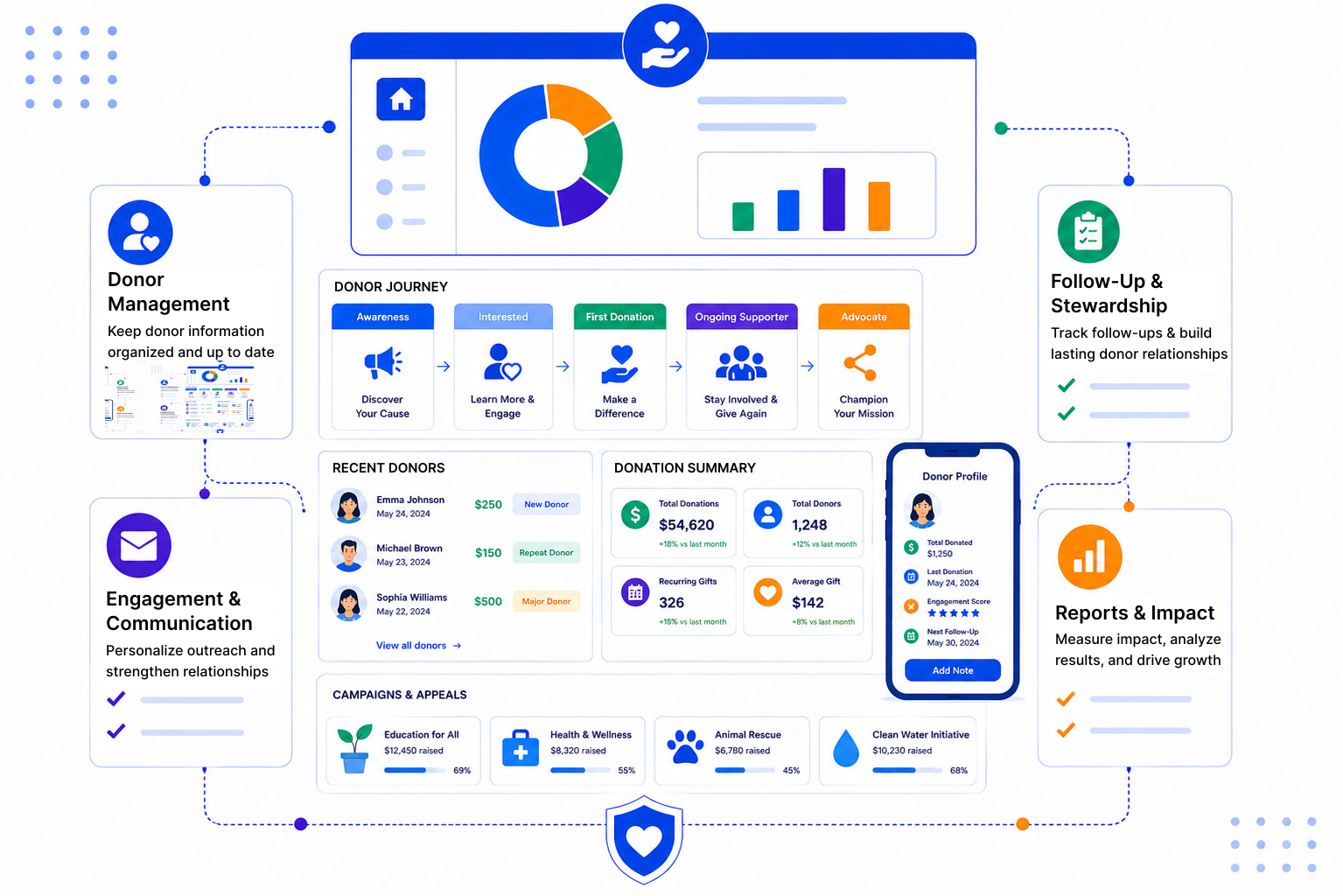
Small teams often carry a big list of supporters. When information lives in spreadsheets and personal inboxes, relationships suffer quietly.
SalesPeep is a flexible CRM that you set up for your own way of fundraising. Donations are recorded and tracked in the CRM, while payments continue to be processed through the tools you already use.
Donors, volunteers, trustees and partner organisations live as contacts and companies with a full activity history. Anyone on the team can see past gifts noted, events attended and conversations held.

Track larger asks as deals on a Kanban board, from first conversation through cultivation to pledge. Campaign and appeal progress shows up in reports and dashboards your leadership can read quickly.

Set reminders to thank donors and check in with them through the year. Email sequences can follow up after an event or appeal, and they stop when the supporter replies.
A nonprofit CRM should make it easier to say thank you and keep in touch. SalesPeep keeps your donor relationships organised, so your team can focus on the people who make your work possible.

SalesPeep helps nonprofits build better relationships with donors by making follow-up and stewardship consistent and visible.

No. SalesPeep records and tracks donations, pledges and gift history in the CRM. Payments are still taken through your existing donation or payment tools.
Yes. Volunteers can be added as contacts with their own status and activity history. That makes it easy to spot volunteers who might also want to give.
Use the deal pipeline to move each prospect through stages you define. Tasks and reminders help the relationship owner plan meetings and follow-ups.
SalesPeep works with Gmail and Outlook and includes a Gmail Chrome extension. It has no built-in connection to donation or accounting platforms, so please talk to us about what you need.
Yes. An email sequence can send a planned set of messages after an event. Each person drops out of the sequence once they reply, so your team can take over the conversation.
You decide through role-based permissions, with owner, admin, read-only and custom roles. Your data is kept in its own separate, isolated workspace, and activity logs show who changed what.
Setup is mostly about naming your statuses and stages and adding your team. Many organisations start small, perhaps with one appeal, and build from there.
Yes. The 14-day free trial gives full access and doesn't need a credit card. You can try it with a real campaign before making any decision.