Loading Page

14-Day Free Trial
Full access. No credit card.
Quick & Easy Setup
Get started in minutes.
Expert Support
We're here to help.
Cancel Anytime
No hidden charges.
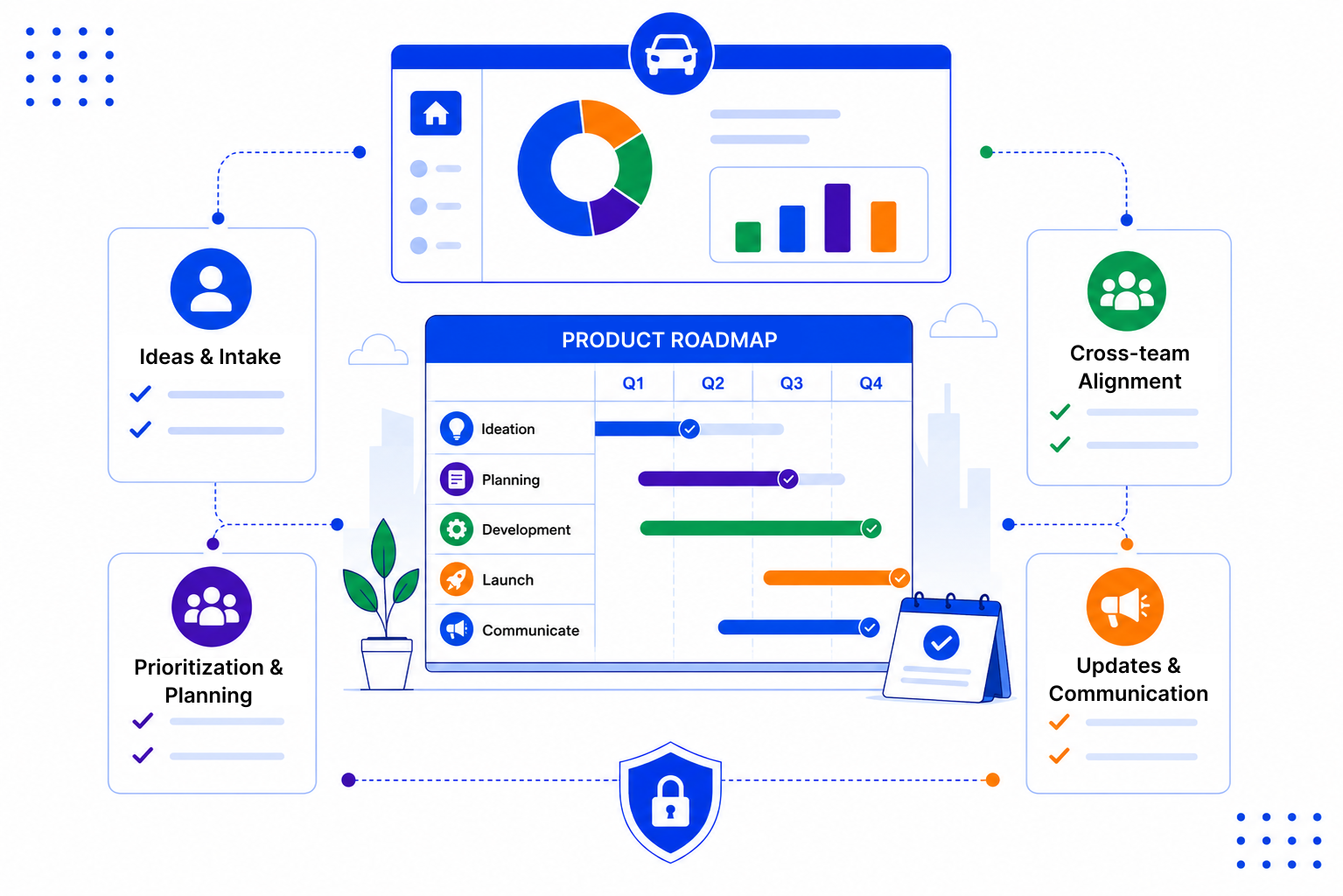
The hard part of product roadmaps is rarely deciding what to build. It is keeping track of why, and for whom.
SalesPeep is not a roadmapping app, but its pipelines, contacts and email tools work well for managing the request side of your product roadmap.
Set up a custom pipeline with stages such as Requested, Under Review, Planned, In Progress and Released. Each request is a card on a Kanban board, so everyone sees the same status.

Connect requests to the contacts and companies that raised them, along with any related deals. You can see at a glance whether a request matters to one user or to several key accounts.

When a request reaches Released, you already know who to tell. Send a personal note using an email template, or ask the AI assistant to draft one for you.

Customers forgive a feature taking time. What they remember is whether you listened and kept them updated. A little structure around requests goes a long way.

SalesPeep helps product teams turn planning into an operating rhythm, making roadmaps more actionable and predictable.

Not exactly. SalesPeep is a CRM, so it does not include timelines, sprints, story points, public roadmap pages or voting portals. What it does well is tracking requests through stages and keeping them tied to the customers and deals behind them. Many teams plan engineering work in their dev tool and use SalesPeep for the customer side of the roadmap.
No, there is no public portal or voting page. Requests are logged by your team, often from sales calls, emails and meetings, and linked to the right contact or company.
Because requests are linked to contacts, companies and deals, you can use reports to see how often something comes up and which accounts are involved. That gives you more context than a simple tally.
Yes, if their role allows it. Anyone with access can open the board and see the current stage, owner and notes, so fewer status questions land on the product team.
Open the request, see the linked contacts, and email them using a saved template. The AI assistant can help draft the message, and email tracking shows who opened it.
Yes. Each organisation's data is kept in its own isolated workspace, and role-based permissions control who can view or change records. Activity and audit logs record important changes.
Setup is mostly creating a pipeline with your stages and linking requests to existing contacts. You can start with a handful of requests and build the habit from there.
Yes. There is a 14-day free trial with full access to all features, and you do not need a credit card to start.