Loading Page

14-Day Free Trial
Full access. No credit card.
Quick & Easy Setup
Get started in minutes.
Expert Support
We're here to help.
Cancel Anytime
No hidden charges.
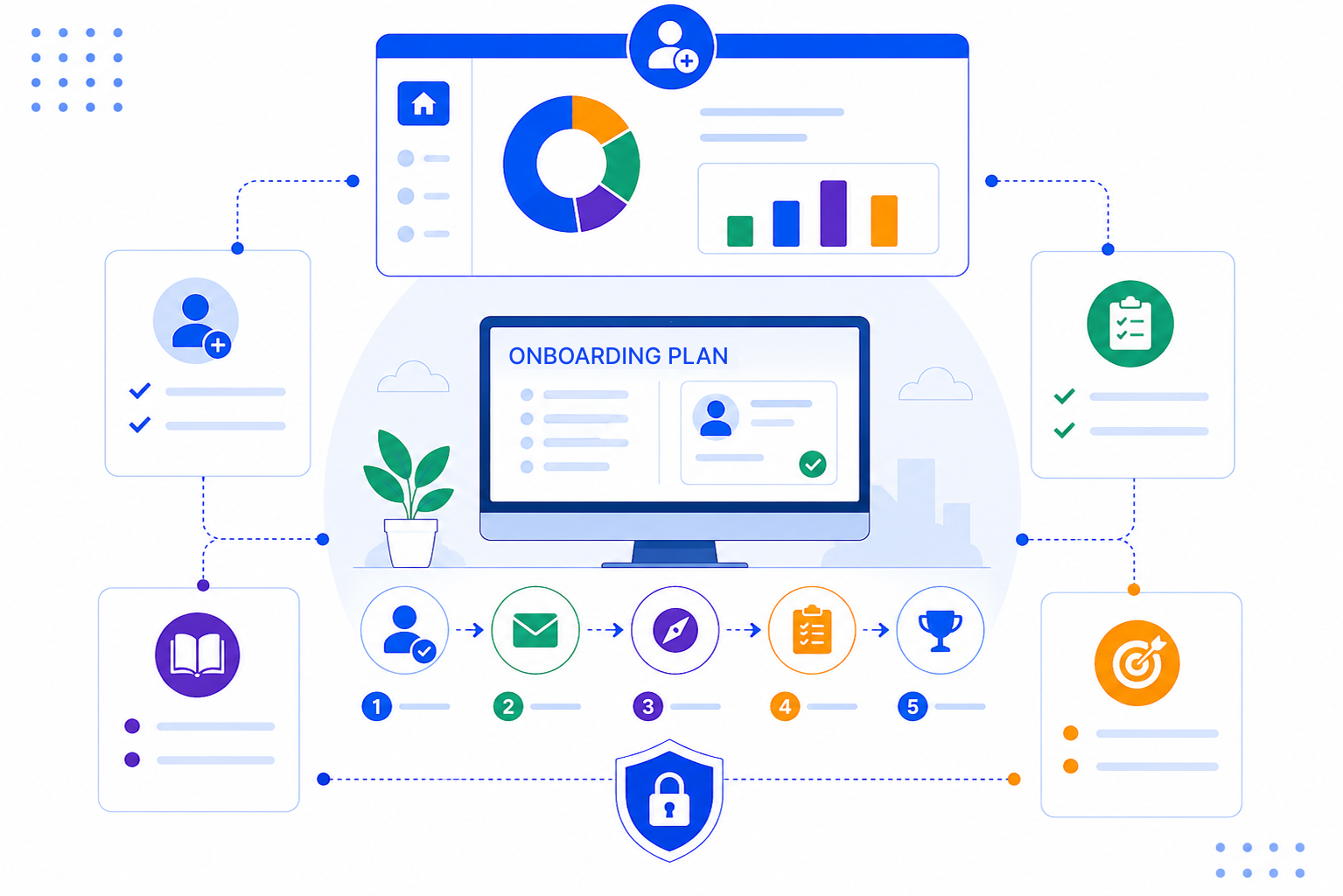
Most onboarding problems are not about effort. They come from information getting lost between people, inboxes and spreadsheets.
You set up an onboarding pipeline that matches your own process, then run every new account through it with tasks, reminders and templates attached.
The customer's contact and company records already hold every email, meeting and note from the sales cycle. Your onboarding lead reads the history in one place instead of asking the customer to repeat themselves.

Create custom stages such as Kickoff, Setup, Training and Go-live on a Kanban board. Each account sits in its current stage, so the whole team can see where things stand without a status meeting.
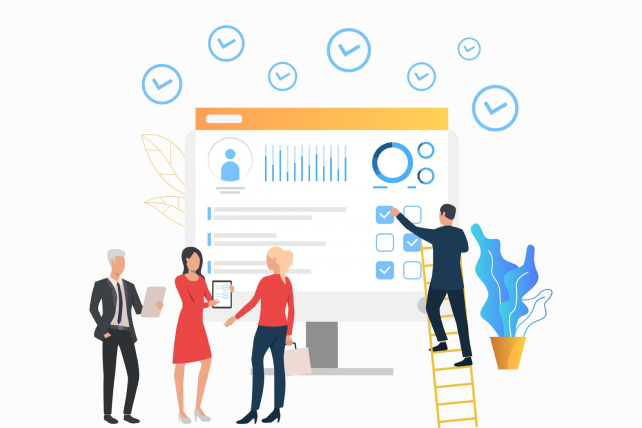
Smart reminders prompt your team to book check-ins and follow up on missing items. Email templates and sequences send welcome and reminder emails, and a sequence stops on its own when the customer replies.
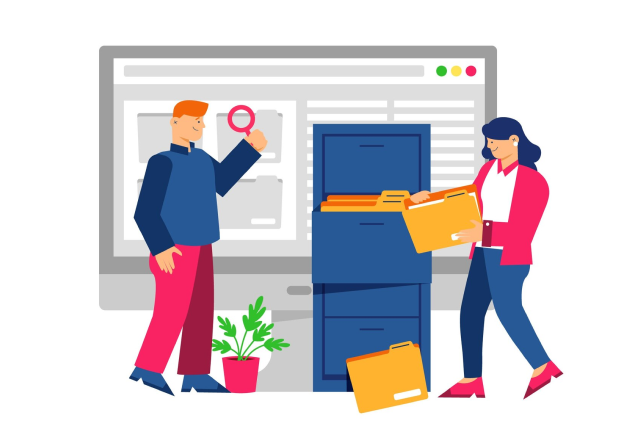
A good onboarding plan is simple enough for the customer to follow and clear enough for your team to run without guesswork. We share practical ideas on stages, check-ins and handoffs on our blog.

SalesPeep provides customer onboarding teams with the structure, visibility, and automation needed to launch new customers faster and more confidently.

No. SalesPeep is a CRM, and onboarding is a workflow you run inside it using custom pipeline stages, tasks, reminders, email templates and shared records. It does not include a customer-facing onboarding portal or in-app product tours.
Yes. When a deal is won, the contact and company records already contain the sales history. You assign the account to an onboarding owner and they pick up from there, with every past email and note in view.
Yes. You name and order the stages yourself, so the board matches your checklist whether you have four steps or ten. You can change them later as your process improves.
You can send requests using email templates and follow up with reminders or a short sequence. When you need to share files with the customer, secure document links let you set an expiry date and see when they were opened.
Access is controlled with role-based permissions, including owner, admin, read-only and custom roles. Each organisation's data sits in its own separate, isolated workspace, and an activity log records important changes.
Most teams start by creating their onboarding stages and a few email templates, then add tasks and reminders as they go. How long it takes depends on your process, and you can start small and refine it over time.
Yes. The Kanban board shows every account by stage, and reports and dashboards help you see where accounts are building up. Overdue tasks make it clear which customers need attention.
Yes. You get a 14-day free trial with full access to SalesPeep, and you do not need a credit card to start.