Loading Page

14-Day Free Trial
Full access. No credit card.
Quick & Easy Setup
Get started in minutes.
Expert Support
We're here to help.
Cancel Anytime
No hidden charges.
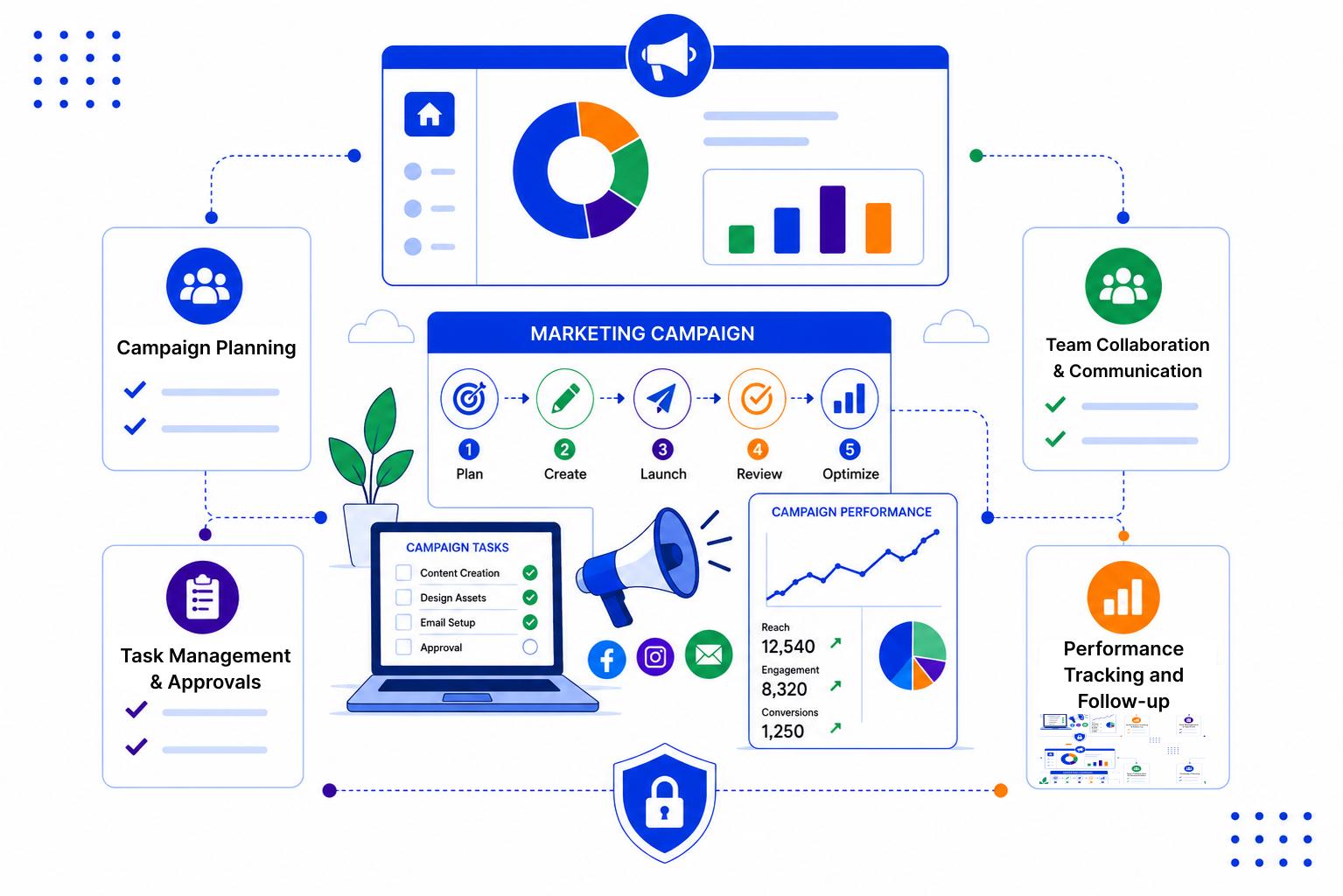
Most campaigns don't fail because of a bad idea. They lose momentum in the handoffs, the spreadsheets and the follow-up nobody owned.
SalesPeep is a CRM, so campaigns sit right next to the leads and contacts they are meant to reach. You set up the stages and fields that match how your team works.
Create a custom pipeline with stages like Planning, In Production, Live and Review, then move each campaign across the board as work progresses. Everyone can see where things stand without asking for an update.
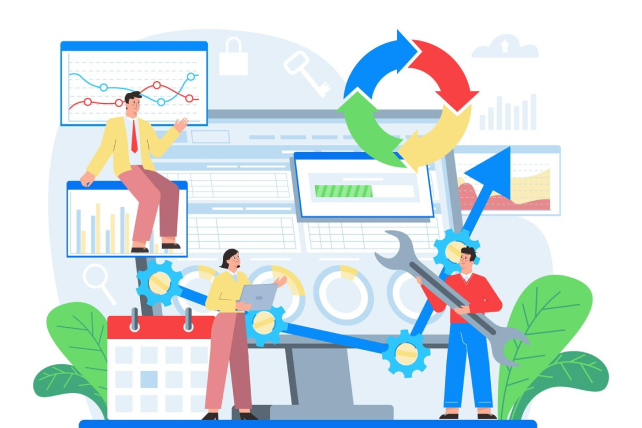
Write reusable email templates and build multi-step email sequences that go out to campaign leads on a schedule. When someone replies, the sequence stops for that person so they don't get another automated email.
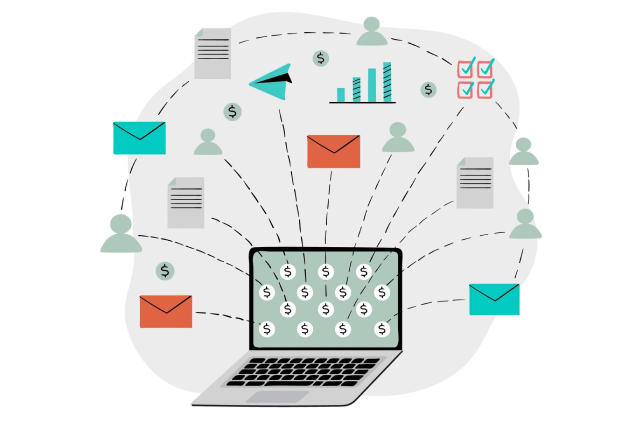
Tag every lead with a source, so a webinar, trade show or newsletter signup is recorded from day one. Reports and dashboards then show which sources bring in leads and how those leads move through your pipeline.

A simple campaign workflow starts with a few clear stages and a habit of tagging every lead with its source. Our guides walk through practical setups you can copy and adjust.

SalesPeep helps marketing teams run more reliable campaigns by keeping launch work visible and coordinated.

No. SalesPeep is a CRM. It handles campaign planning, tasks, email sequences to leads and source reporting, but it does not build landing pages, run ads or post to social media. Many teams use it alongside those tools to manage the leads campaigns bring in.
Yes. You create your own lead sources, such as a specific webinar or event, and assign them to each lead. Reports then show lead counts and progress by source.
You can enrol leads in email sequences that send a series of messages on a schedule, using your own templates. Sequences stop for anyone who replies. SalesPeep is built for sales-style outreach rather than large newsletter blasts.
Yes. SalesPeep tracks opens and clicks on emails you send, so you can see who engaged and decide who to follow up with first.
You control that with role-based permissions. Owners, admins, read-only viewers and custom roles each get access only to what you allow, and your organisation's data stays in its own separate workspace.
Most of the setup is naming your stages, sources and statuses, then inviting your team. You can start simple and add more detail as you go. Our team can help during a demo if you want a second opinion on your setup.
Yes. SalesPeep syncs with Gmail and Outlook, and there is a Gmail Chrome extension so you can work with leads from your inbox.
Yes. You get a 14-day free trial with full access to every feature. No credit card is required to start.