Loading Page

14-Day Free Trial
Full access. No credit card.
Quick & Easy Setup
Get started in minutes.
Expert Support
We're here to help.
Cancel Anytime
No hidden charges.
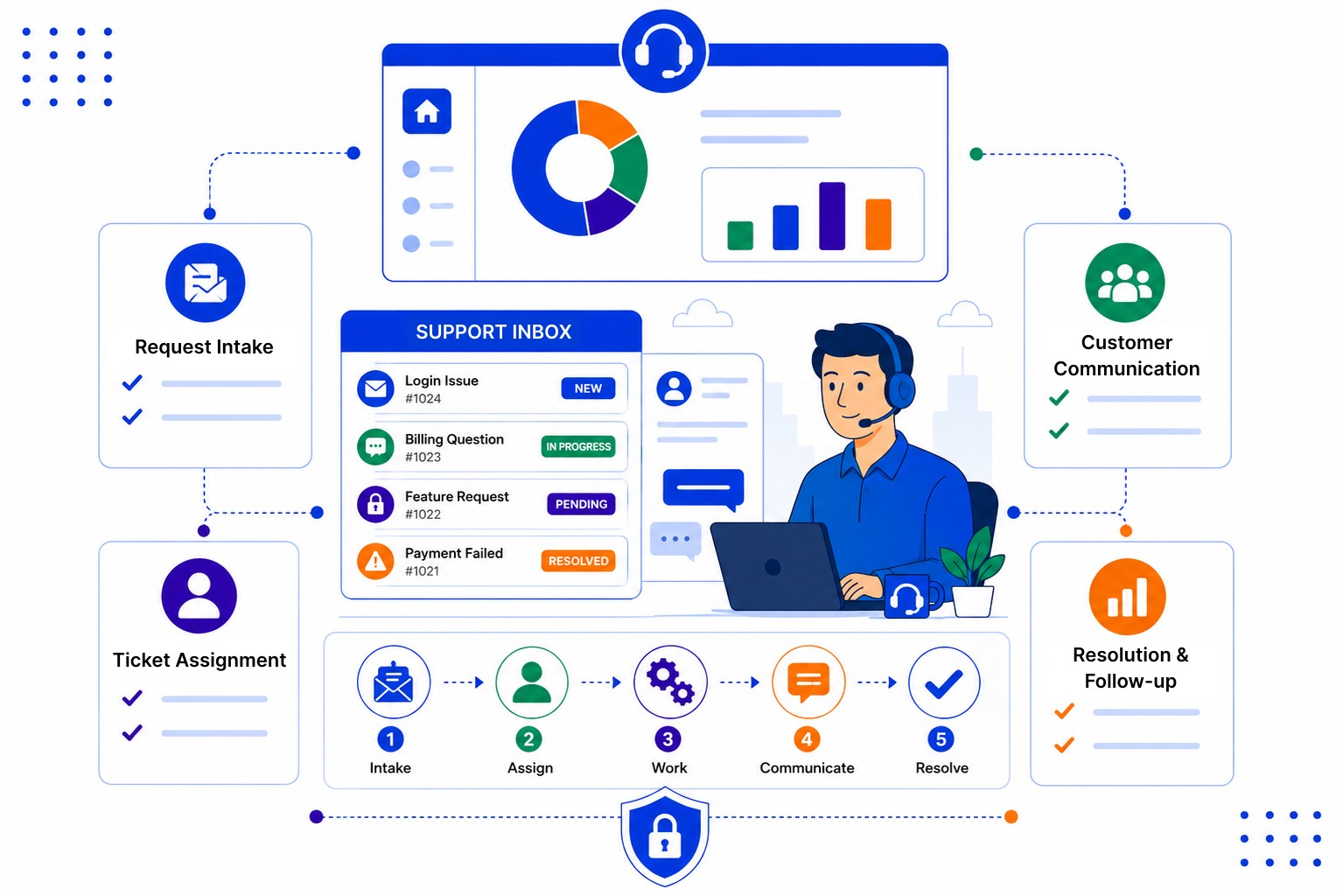
Customers rarely complain about a slow fix as much as they complain about having to explain themselves again.
SalesPeep is not a helpdesk, but many teams do not need one. A clear pipeline, shared history and good reminders cover a lot of everyday support work.
Log each request against the contact and company it belongs to. Emails synced from Gmail or Outlook, notes and meetings all appear on the same timeline.
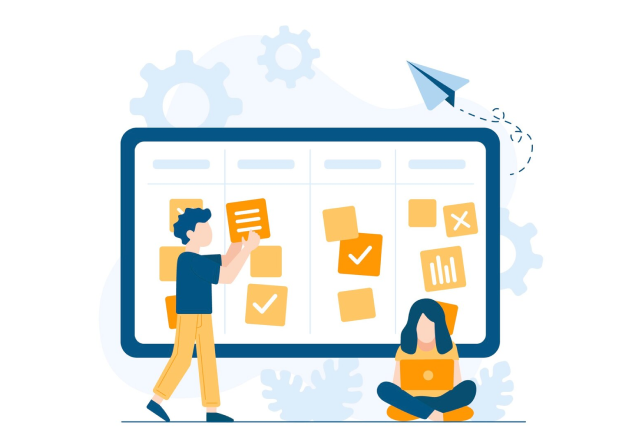
Build a support pipeline with stages such as New, In progress, Waiting on customer and Resolved. Assign each request to a person, or share them out evenly with Round Robin.

Set a reminder whenever you promise to get back to someone. Save your most common answers as email templates so replies stay accurate and consistent.

Good support is mostly about clear ownership and keeping promises. Our blog shares simple ideas for small teams who want to handle customer issues well without adding another tool.

SalesPeep keeps customer support work visible and consistent, so teams can resolve issues with fewer delays.

No. SalesPeep is a CRM. It does not offer a customer help portal, live chat, ticket SLAs or automatic escalation. Teams use its pipelines, tasks, reminders and shared records to track customer issues, which works well for many smaller support teams.
You add the request to the customer's record and place it in a stage on your support pipeline. Emails synced from Gmail or Outlook appear on the same timeline, so the conversation stays with the customer.
Yes. You can assign requests to a named person or use Round Robin assignment to spread them evenly. Each person sees their own tasks and reminders.
Yes, if their role allows it. Because support work sits on the same contact and company records, account managers can check for open requests before they get in touch.
Each organisation's data is held in its own separate, isolated workspace. Role-based permissions control who can view or edit records, and activity logs record important changes.
It depends on your process, but many teams begin with a few stages and email templates and adjust as they learn. You do not need to have everything planned before you start.
Yes. Reports and dashboards show requests by stage and owner, which helps managers see where work is building up. The Kanban board gives a quick daily view too.
Yes. SalesPeep offers a 14-day free trial with full access, and no credit card is required.