Loading Page

14-Day Free Trial
Full access. No credit card.
Quick & Easy Setup
Get started in minutes.
Expert Support
We're here to help.
Cancel Anytime
No hidden charges.
Most recruiters don't lose placements because of a weak candidate. They lose them because a call was late, a feedback request was forgotten or a good profile sat unseen.
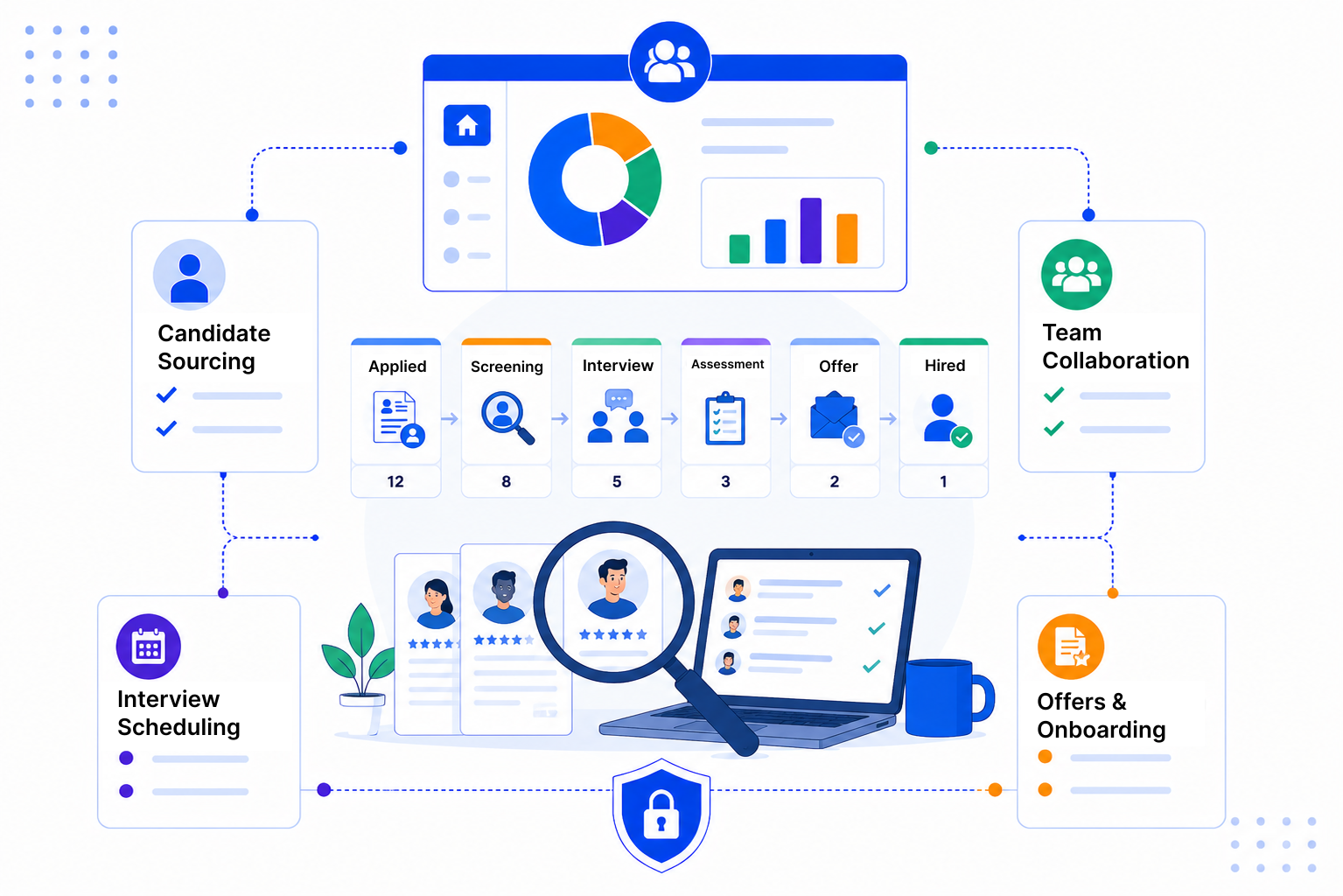
SalesPeep is a flexible CRM, so you decide how roles and candidates move. Set your own stages, statuses and sources, and the team works from the same picture.
Track each client role as a deal and move it through stages like Brief Taken, Shortlisting, Interviewing and Offer. Candidates sit as contacts or leads with their own status, so you can see who is in play for what.

Reminders prompt consultants to update candidates and chase feedback from hiring managers. Email sequences handle multi-step outreach and stop automatically once the person replies.

Book interviews in the meetings calendar and keep every email, call and note on the contact record. Share candidate profiles or role briefs through secure links with expiry dates and access logs.

Good recruiting comes down to speed and steady communication. SalesPeep keeps both sides of the conversation visible, so candidates hear back on time and clients feel looked after.

SalesPeep gives recruiting teams a consistent process so they can hire more effectively and keep candidates engaged.

Yes. Agencies often track client roles as deals, while in-house teams use the pipeline for internal vacancies. Both can set stages to match how they hire.
No. It's a flexible sales CRM that recruiters set up for their process. It handles pipelines, contacts, follow-ups and email well, but it doesn't parse CVs or post to job boards.
SalesPeep works with Gmail and Outlook and offers a Gmail Chrome extension. There's no built-in job board or LinkedIn connection, so speak to us if you have a specific need.
You can create meetings in the SalesPeep calendar and link them to the candidate and the client contact. Reminders help both your team and the candidate stay prepared.
Role-based permissions let you decide what each user can view, add, edit or delete. You can give team leads wider access and keep others to their own records.
Every organisation's data is kept in its own separate, isolated workspace. Access is controlled by roles, and activity logs show who changed important records.
Setup mainly involves naming your stages and statuses and inviting your team. Most teams begin with a basic pipeline and refine it once they've used it for a few roles.
Yes. The 14-day free trial includes full access and needs no credit card. You can run live roles through it and see how it fits your desk.