Loading Page

14-Day Free Trial
Full access. No credit card.
Quick & Easy Setup
Get started in minutes.
Expert Support
We're here to help.
Cancel Anytime
No hidden charges.
A referral is a promise to a patient and to the provider who sent them. When the process is held together by inboxes and spreadsheets, that promise is easy to break.
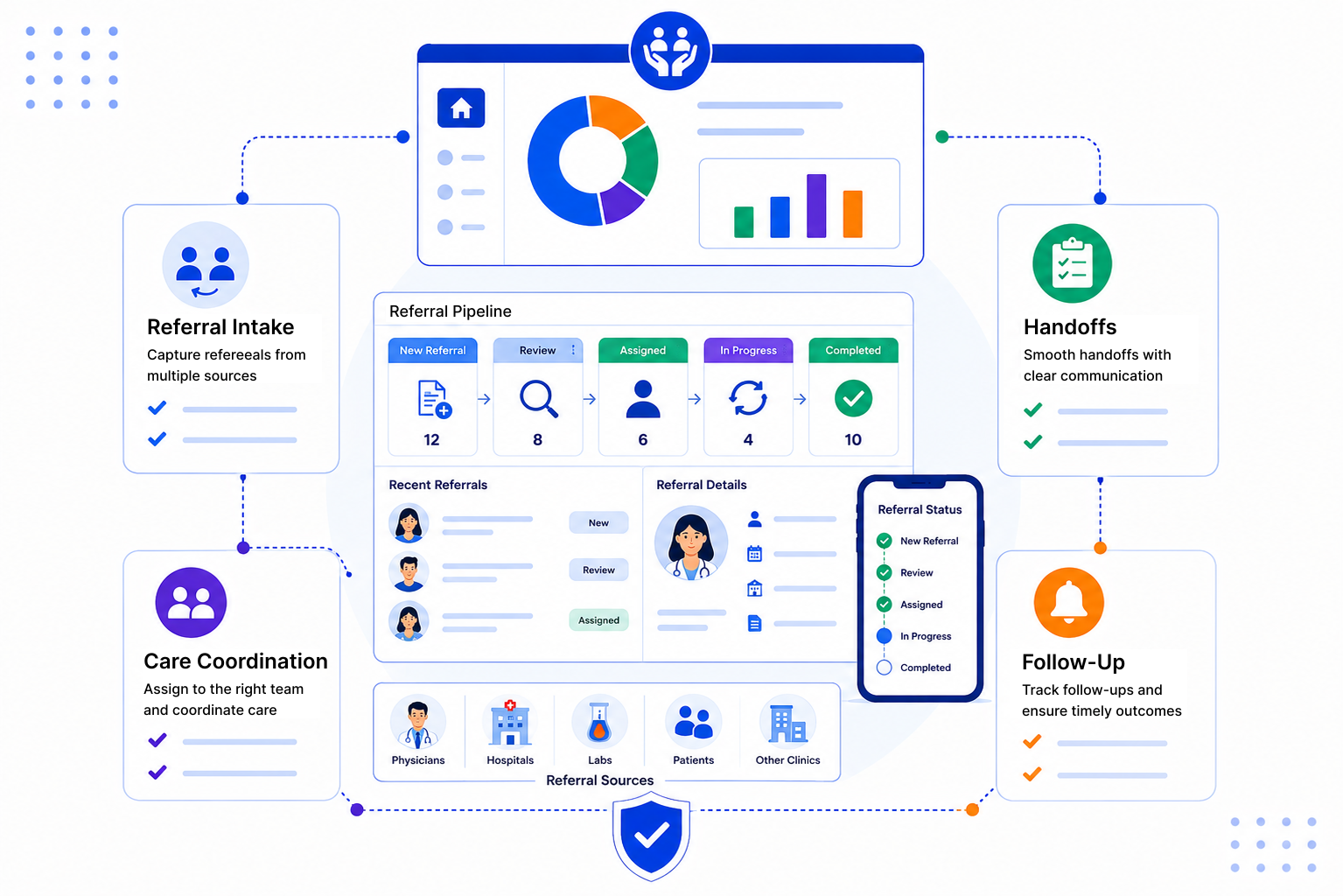
You set up SalesPeep around your own referral steps. The tool keeps track of the details so your coordinators can focus on the patient and the provider.
Log each referral as a record with the patient, the referring provider and the reason for referral. Round Robin assignment hands new referrals to coordinators in turn, so work is shared and nothing waits for an owner.

A Kanban board shows every referral by stage, such as Received, Awaiting Information, Contacting Patient, Booked, Seen and Loop Closed. Move cards along as work happens and the full history is kept on the record.

Use email templates to request missing information or confirm a patient was seen, and log the reply from Gmail or Outlook against the referral. Reports and dashboards show volume by source, time in each stage and how many referrals reached a closed loop.

Good patient referral management comes down to ownership, clear stages and closing the loop with the sender. SalesPeep keeps all three in front of your coordinators, and gives managers a simple view of where referrals come from.

SalesPeep lets referral teams close the loop faster so patients move through the system with fewer manual handoffs.

No. SalesPeep is not an electronic health record system. Check that it meets your local healthcare data rules before storing clinical information. Many teams keep clinical notes in their EHR and use SalesPeep for coordination and communication around the referral.
Yes. Most teams use separate pipelines or a status to tell them apart, each with its own stages. Reports can then be filtered by direction.
Coordinators can send emails from templates, such as a confirmation that the patient has been seen, and the email is logged on the referral. Tasks and reminders make sure the update actually goes out.
SalesPeep doesn't receive faxes. Staff create the referral record when it arrives and can attach the scanned document, so everything is tracked from that point.
You decide what each role can view, add, edit or delete, using owner, admin, read-only or custom roles. Changes are recorded in an activity log, and contact fields like email and phone are encrypted.
You'll set up your stages, statuses and team members, then begin adding referrals. The time needed depends on how detailed you want it, and we can help you plan it during a demo.
SalesPeep syncs with Gmail and Outlook and has a Gmail Chrome extension. For anything beyond that, get in touch and we'll talk through your needs honestly.
Yes, you get 14 days of full access with no credit card required. It's a good way to run a handful of real referrals through your own stages.