Loading Page

14-Day Free Trial
Full access. No credit card.
Quick & Easy Setup
Get started in minutes.
Expert Support
We're here to help.
Cancel Anytime
No hidden charges.
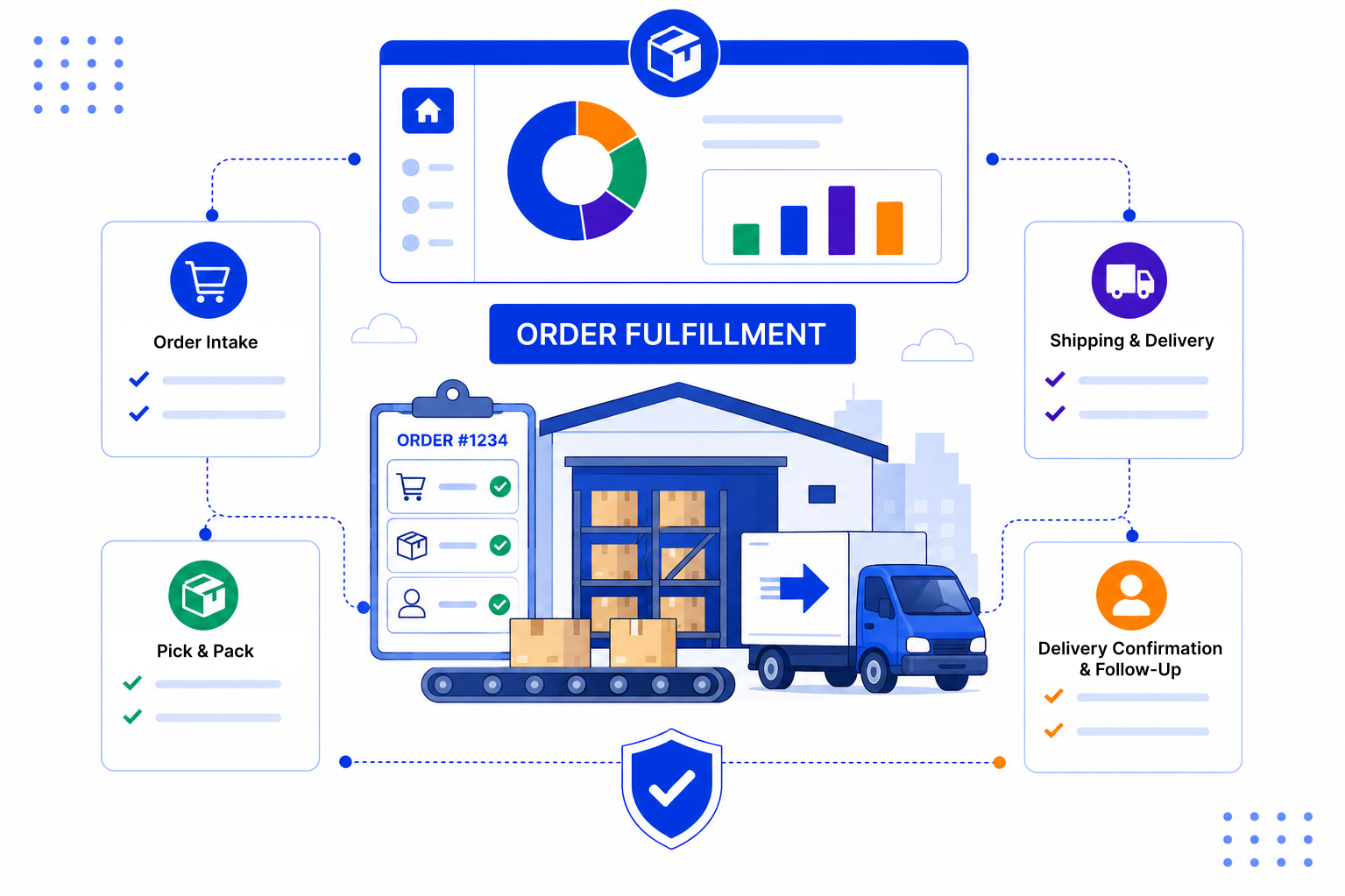
Orders rarely go wrong in one big way. They go wrong in small handovers that nobody tracks.
Create an order pipeline next to your sales pipeline. Each won deal moves into it, and the whole team can follow it to delivery.
Set up stages such as Confirmed, Processing, Dispatched and Delivered on a Kanban board. Anyone with access can see which orders sit where, without asking around.
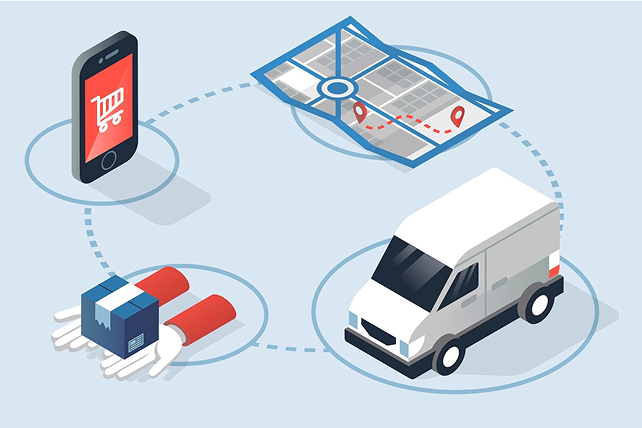
Assign tasks with due dates to each team, such as confirming stock, raising an invoice or booking delivery. Reminders nudge people when something is due, so handovers do not stall.

Use email templates for order confirmation, dispatch and delivery updates, so every customer gets the same clear message. Every email sits on the customer's history, so sales can answer questions without chasing anyone.

The way you handle orders after the close shapes whether the customer buys again. Our blog covers practical ways to tighten the handover between sales and operations.

SalesPeep helps fulfillment teams reduce order delays and keep customers informed without manual status chasing.

No. SalesPeep is a CRM. It does not manage stock, print shipping labels or connect to couriers. Teams use its pipelines, tasks, reminders and email templates to track orders and coordinate people, alongside the systems they already use for stock and shipping.
When a deal is won, you add the order to your order pipeline and link it to the same customer. The full sales history stays on the contact and company record for the fulfilment team to read.
Yes. You name and arrange the stages, so you can add steps like Awaiting payment or Partially dispatched if your process needs them.
SalesPeep does not track parcels, so updates are not triggered by a courier. Your team sends updates using saved email templates when an order moves stage, and reminders help make sure that happens.
Yes. Role-based permissions, including owner, admin, read-only and custom roles, decide who can view or change records. The activity log records important changes, and each organisation's data is kept in its own isolated workspace.
Most teams start with a simple order pipeline and a few email templates, then add tasks as they see where handovers slow down. Setup time depends on your process.
Yes. Reports and dashboards show orders by stage and owner, and the Kanban board gives a quick view of anything that has been sitting in one stage too long.
Yes. There is a 14-day free trial with full access, and no credit card is required.